
Custom Web Application Development vs Off-the-Shelf: Which Is Right?
Quick Answer
For teams near ON at Unit 20 – 120 Woodstream Blvd, custom web application development helps you design exactly what your business needs—workflows, integrations, and security—without the compromises of generic software. Codepaper Technologies Inc. builds secure, scalable web apps that match how your operations actually run across Toronto and Canada.
Quick Summary
Choosing between building a tailored web app and buying an off-the-shelf platform can feel tricky. Here’s what you’ll learn in this complete guide:
- What custom web application development really means in 2026
- When a bespoke build beats a generic tool (and when it doesn’t)
- A step-by-step delivery process we use at Codepaper Technologies
- Architectural patterns, security, and compliance the right way
- Practical tools, frameworks, and checklists you can use today
- Industry examples from fleet, education, food service, and more
Local Tips
- Tip 1: If your stakeholders are clustered near Woodstream Blvd and the 400-series highways, plan discovery workshops on-site to accelerate alignment without long travel.
- Tip 2: Winter weather and Canadian holidays can impact sprint cadence—lock dates for reviews and user testing early to keep momentum.
- Tip 3: For operations across the GTA, treat Single Sign-On and data residency as Day 1 requirements—easier to design in than retrofit later.
IMPORTANT: These tips reflect how we run projects for teams in and around Toronto and across Canada.
What Is Custom Web Application Development?
In simple terms, it’s building a browser-based application specifically for your business workflows, data models, security policies, and integrations.
- Purpose-built: Your app reflects your roles, rules, and KPIs—not someone else’s assumptions.
- Integration-first: Connects cleanly to the systems you already rely on (ERP, CRM, payments, telematics).
- Security-aligned: Controls match your risk posture and audit needs (SSO, RBAC, audit logs, encryption).
- Scalable by design: Cloud-native patterns support growth and changing load patterns.
- Examples we deliver:
- Unified portals that replace scattered spreadsheets and point tools
- Role-based dashboards for operations, finance, and field teams
- Industry-specific workflows (e.g., geofenced alerts in fleet, proctoring in education)
Codepaper Technologies Inc. focuses on outcomes: faster launches, stronger UX, and secure, cloud-ready backends built with modern stacks like Laravel, React, Vue.js, and Flutter for companion mobile apps.
Why Custom Web Apps Matter in 2026
Off-the-shelf tools are convenient until they aren’t. Here’s why tailored builds are gaining ground.
- Fragmented stacks slow teams down: Switching between tools kills focus and creates data silos.
- Compliance keeps tightening: You need controls that mirror your policies—not a vendor’s minimums.
- AI automation needs clean data: Centralized, well-modeled data makes automation reliable and auditable.
- Roadmap control is strategic: Your product evolves on your timeline with your must-have features.
- Vendor lock-in is risky: If pricing, features, or terms change, you own the exit path.
For leadership teams across Canada, custom web application development is less about code and more about control: control of data, process, security, and the roadmap.
How Custom Web Application Development Works (Step-by-Step)
Here’s the delivery playbook we use at Codepaper—clear, collaborative, and predictable.
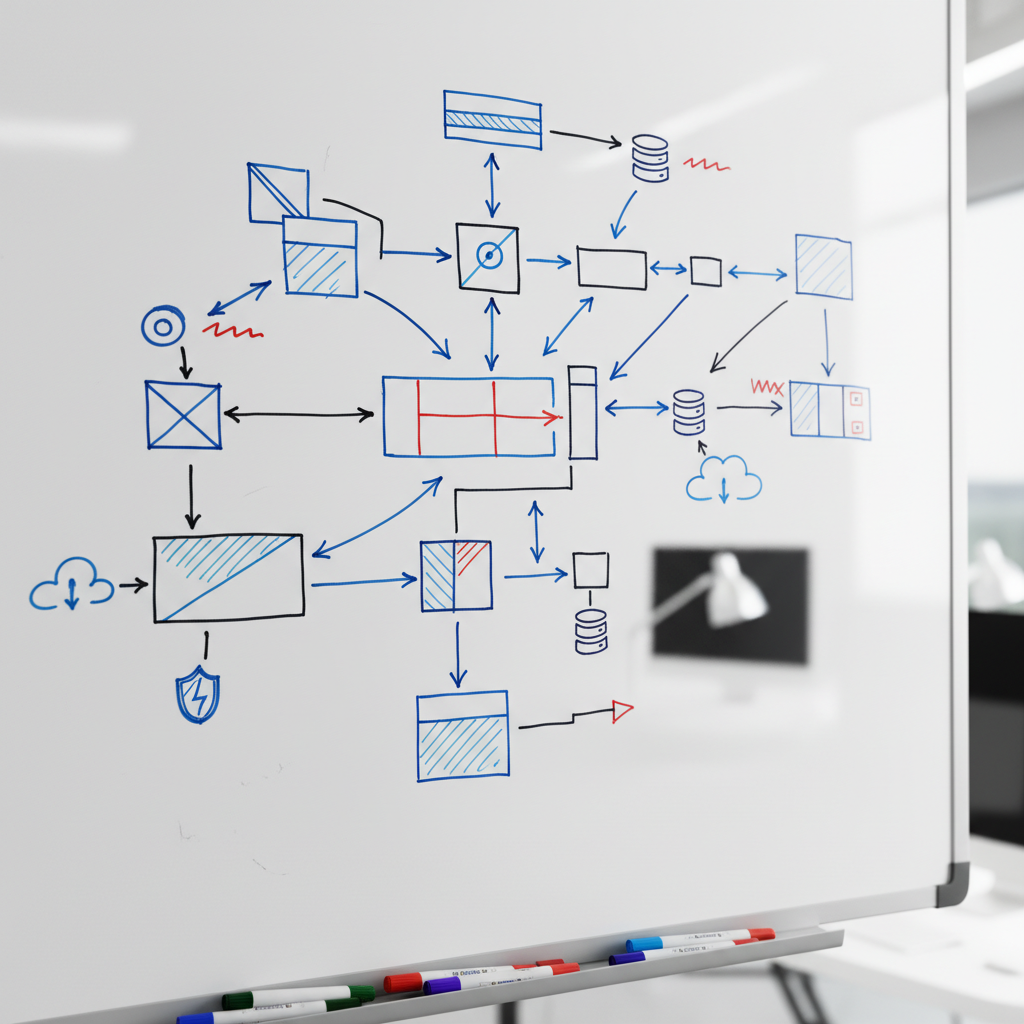
- Discovery workshops:
- Map your users, roles, pain points, and KPIs.
- Document current systems, data sources, and integration needs.
- Define success metrics: time saved, risk reduced, data quality improved.
- Deliverable: problem statement, scope boundaries, and initial backlog.
- Prototype & alignment:
- Clickable UX flows to validate requirements quickly.
- Usability feedback from real users, not just stakeholders.
- Deliverable: refined scope, acceptance criteria, and prioritized features.
- Architecture & runway:
- API-first design, domain models, auth/SSO, and environments.
- Choose stack: Laravel + React/Vue.js; cloud-native on AWS/Azure/GCP.
- Deliverable: architecture decision record and non-functional requirements.
- Engineering sprints:
- Implement vertical slices from UI to DB with automated tests.
- Follow Definition of Done with code review and security checks.
- Deliverable: demoable, production-quality increments each sprint.
- DevOps & reliability:
- CI/CD pipelines, containerization, and Infrastructure as Code.
- Observability: logs, metrics, tracing, and error budgets.
- Deliverable: repeatable releases and measurable performance.
- Security hardening:
- OWASP-aligned testing, SAST/DAST, dependency scanning.
- Secrets management, role-based access, and audit trails.
- Deliverable: remediation plan and controls evidence pack.
- Launch & adoption:
- Staged rollout, data migration, and training for each role.
- Hypercare window with rapid fix/patch cadence.
- Deliverable: go-live checklist and operational handoff.
- Operate & improve:
- SLAs, product analytics, and a living roadmap.
- Continuous UX and performance improvements.
- Deliverable: quarterly plan tied to business outcomes.
Prefer to see the UX side in-depth? Our piece on the value of user experience goes deeper into research-backed design decisions.
Types, Methods, and Approaches
Different goals call for different approaches. Here’s a quick field guide.
Product Stage
- MVP development: Prove the concept fast with essential features only.
- V1 launch: Production-ready app with security, observability, and support.
- Scale-up: Performance tuning, feature gates, and team onboarding.
Architecture Patterns
- Monolith-first: A well-structured monolith (Laravel) for speed and simplicity.
- Modular monolith: Clear boundaries now; optional microservices later.
- Services/microservices: Useful for complex domains and independent scaling.
Integration Approaches
- API-first: REST or GraphQL for internal and partner integrations.
- Event-driven: Async messaging for resilient workflows.
- Data pipelines: ETL/ELT to analytics and AI platforms.
Delivery Models
- Managed delivery: End-to-end delivery with our cross-functional team.
- Staff augmentation: Add vetted engineers to speed up your roadmap.
- Hybrid: Our leadership + your core team for shared ownership.
Unsure which path fits? Our custom software services in Canada outline engagement options and outcomes we stand behind.
Best Practices We Live By
Good engineering is deliberate. These principles keep delivery smooth and outcomes strong.
Security and Compliance
- Security by design: Threat modeling and least privilege from day one.
- Dependency hygiene: Routine scanning and patching across the stack.
- Defense in depth: WAF, rate limits, and secure headers where appropriate.
- Data safeguards: Encryption in transit and at rest, plus field-level protection as needed.
Quality and Reliability
- Automation over repetition: CI/CD, reproducible builds, and automated tests.
- Test strategy: Unit, integration, contract, and UI tests for critical flows.
- SLIs/SLOs: Response time, error rate, and uptime targets baked into the plan.
- Observability: Structured logs, metrics, tracing, and alerting.
User Experience and Accessibility
- Research-backed UX: Interviews, journey maps, and moderated tests.
- Accessibility standards: Keyboard navigation, color contrast, semantic markup.
- Performance budgets: Snappy experiences on real-world devices and networks.
Delivery and Governance
- Clear Definition of Done: No surprise gaps at the end of sprints.
- Roadmap transparency: Shared backlog and frequent demos with stakeholders.
- Risk registers: Proactively track dependencies and mitigations.
- Change management: Versioned APIs and safe migrations.
If you want a peek at our delivery mechanics, our perspective on agile custom software shows how we keep teams aligned and shipping.
Tools and Resources
We use proven technologies that balance speed, security, and scale.
Frameworks and Frontends
- Laravel development: Rapid, reliable backend foundation.
- React and Vue.js: Modern, component-driven interfaces.
- Flutter: Native-quality mobile apps from a single codebase.
Cloud and DevOps
- Cloud-native: AWS, Azure, or GCP with managed services where practical.
- CI/CD pipeline: Automated build, test, and deploy on every change.
- Containers & orchestration: Docker and Kubernetes when scale demands.
- Observability stack: Centralized logs and real-time metrics.
Security and Data
- OWASP guidance: Embed checks against common web risks.
- Secret management: Vaulted credentials and rotation policies.
- Data analytics: Pipelines that surface insights to decision-makers.
For a deeper primer, our custom web software guide explains how architecture choices play out in practice.
Build vs Buy: Practical Comparison
Use this at-a-glance table during planning and vendor reviews.
| Factor | Off-the-Shelf | Custom Web App |
|---|---|---|
| Fit to workflow | Generic; workarounds likely | Exact roles, rules, and UX |
| Speed to start | Immediate access | Fast after discovery |
| Integrations | Limited or add-ons | API-first, deep integrations |
| Security posture | Shared controls | Tailored controls and logging |
| Ownership | Vendor roadmap risk | Your roadmap and IP |
Case Studies and Examples (Across Industries)
Here are real-world scenarios that mirror the work we do for Canadian organizations.

1) Fleet Management Portal
- Challenge: Disparate GPS, maintenance, and dispatch tools made reporting painful and slow.
- Solution: Unified web portal with geofencing, real-time alerts, and role-based dashboards.
- Outcome: Faster dispatch decisions, cleaner data, and easier compliance audits.
2) Education & Training LMS
- Challenge: Legacy LMS lacked modern UX and secure proctoring for remote exams.
- Solution: Custom modules for assessments, proctoring integrations, and analytics.
- Outcome: Better learner engagement and measurable completion rates.
3) Multi-Location Food Service
- Challenge: Inventory visibility and menu changes across locations were inconsistent.
- Solution: Centralized ordering, inventory controls, and supplier integrations.
- Outcome: Tighter operations and fewer stockouts during peak periods.
4) Finance & Banking Ops
- Challenge: Manual workflows around approvals and reconciliations were risky.
- Solution: Secure workflow engine with audit trails and granular access.
- Outcome: Stronger governance and faster month-end closes.
5) Construction & eCommerce Hybrid
- Challenge: Quoting, scheduling, and online sales lived in separate systems.
- Solution: Custom portal with scheduling, quoting, and eCommerce integrations.
- Outcome: Single source of truth and better customer experience.
Want to discuss a similar scenario? Our Toronto app development overview shows how we connect web and mobile for field teams.
Hands-On Checklists (Use in Your Next Planning Session)
Discovery Inputs
- Business goals, KPIs, and success metrics
- User roles, permissions, and data access rules
- Current systems, data quality, and integration endpoints
- Constraints: compliance, data residency, SLAs
Non-Functional Requirements
- Availability target, response time, and error budgets
- Auditability, logging, and traceability requirements
- Backup/restore and disaster recovery objectives
- Accessibility and performance budgets
Deployment Readiness
- Environments, secrets, and config strategy
- CI/CD gates and rollback plan
- Monitoring dashboards and alerts
- Runbooks for common incidents
For teams weighing build vs buy, our Toronto custom software services page outlines how we engage discovery and delivery with clear ownership.
FAQ
How do I decide between custom and off-the-shelf?
List critical workflows and compliance needs. If workarounds, data silos, or audit gaps appear with generic tools, consider a tailored build. If your needs are standard and integrations are simple, a ready-made platform may suffice. Many clients start with a prototype to de-risk before full build.
What stack do you typically use?
We commonly pair a Laravel backend with React or Vue.js frontends, hosted on AWS, Azure, or GCP. We add CI/CD, containerization, and observability from the start. This mix balances developer velocity with maintainability and performance for enterprise-grade apps.
How do you keep releases predictable?
Every sprint ships a demoable increment with automated tests, code review, and security checks. We roadmap by outcomes, run regular stakeholder demos, and keep a transparent backlog. Change is handled through versioned APIs and migration plans.
Can you support AI automation in the app?
Yes. The key is clean, centralized data and clear governance. We design data models and pipelines to feed AI services reliably, with audit trails and access controls. That way automation augments teams without creating compliance risk.
When should I modernize a legacy web app instead of rebuilding?
If core business logic is sound and UX or integrations are the main issues, modernization can be faster. When architecture or data models block new capabilities, a rebuild with a modular approach often pays off. We assess both paths during discovery.
Conclusion
- Custom web application development gives you control over workflows, data, security, and your roadmap.
- Use discovery, prototypes, and a clear delivery model to reduce risk and build stakeholder confidence.
- Favor API-first designs, solid DevOps, and OWASP-aligned security to scale safely.
- Pick the delivery model—managed, augmentation, or hybrid—that fits your team today and tomorrow.
Key Takeaways
- If workarounds rule your day, a tailored web app will pay dividends in focus and speed.
- Architecture and testing discipline prevent “later” problems from derailing launches.
- Design for compliance and observability from day one—retrofits are harder.
